Security is something that always comes at an expense of Usability and I wrote about this earlier as well. However, in this post I am going to talk about something slightly different: How security measures impact accessibility. At first glance it might look that both topics are the same but there are extra nuances in the Accessibility that unfortunately are not considered a lot of the time when we design a system. To be honest I didn’t think about it much either until I saw a post by James on Mastodon highlighting the issue:
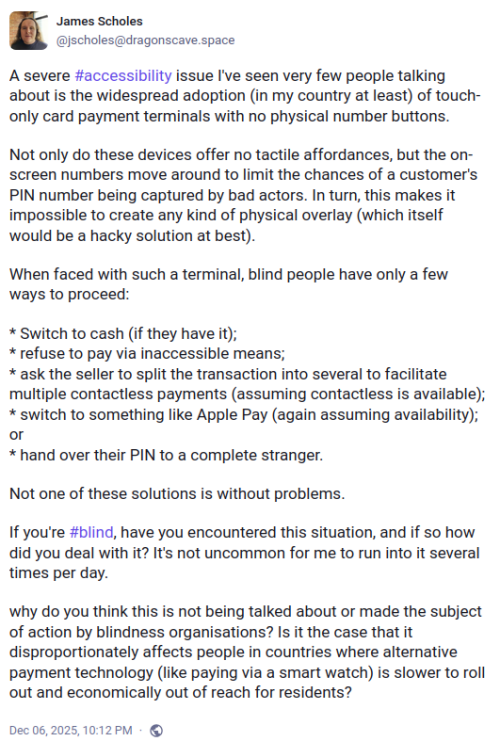
Security measures impacting Accessibility for blind users
A severe #accessibility issue I’ve seen very few people talking about is the widespread adoption (in my country at least) of touch-only card payment terminals with no physical number buttons.
Not only do these devices offer no tactile affordances, but the on-screen numbers move around to limit the chances of a customer’s PIN number being captured by bad actors. In turn, this makes it impossible to create any kind of physical overlay (which itself would be a hacky solution at best).
When faced with such a terminal, blind people have only a few ways to proceed:
* Switch to cash (if they have it);
* refuse to pay via inaccessible means;
* ask the seller to split the transaction into several to facilitate multiple contactless payments (assuming contactless is available);
* switch to something like Apple Pay (again assuming availability); or
* hand over their PIN to a complete stranger.Not one of these solutions is without problems.
If you’re #blind, have you encountered this situation, and if so how did you deal with it? It’s not uncommon for me to run into it several times per day.
why do you think this is not being talked about or made the subject of action by blindness organisations? Is it the case that it disproportionately affects people in countries where alternative payment technology (like paying via a smart watch) is slower to roll out and economically out of reach for residents?
It is easy to forget that others have different requirements and needs than you and navigating a world which is moving towards removing tactile feedback makes it harder for people with vision problems or motor control issues from interacting with the world. Every single security feature that we add to a system the more the potential of making the system inaccessible increases. For example, if we have captcha checks while logging into a site or a computer then screen readers can’t read the captcha by design so blind users are unable to log in to the system. A fix for that was to have audible captcha code but with the advances in voice recognition an attacker can use a voice recognition system to identify the code and bypass the security measure.
Accessibility features / functionality seems to be an afterthought (if that) for developers even in 2025. There are major accessibility issues in Linux and Fireborn (Couldn’t find their real name) did a whole series of blog post’s about the issues they face as a blind person using Linux (I Want to Love Linux. It Doesn’t Love Me Back: Post 1 – Built for Control, But Not for People) on a day to day basis. The sad part is that while a lot of people acknowledged the issue and agreed to work on fixing it there were the usual gatekeepers who wrote nasty/condescending messages in response to the post, Fireborn responded to the comment quite beautifully (and a lot more politely than I would have in their position) in another blog post (You Don’t Own the Word “Freedom”: A Full-Burn Response to the GNU/Linux Comment That Tried to Gatekeep Me Off My Own Machine) This right here is the issue that we need to solve. People don’t think we need to work on accessibility because they don’t need it. I remember reading an article about how there was a group of people really upset because a streaming solution was giving more focus on subtitles for their shows. No one is forcing you to enable subtitles but folks who don’t speak the language or have hearing issues they are a lifesaver.
Coming back to the security & accessibility issue for a POS (Point of Sales system), there is no easy way to solve this problem for card users. One option I can think of is for stores to keep a physical bluetooth pin-pad that is paired with the POS machine so that users with vision problems can use the physical keyboard to enter the pin. This would require effort (and have a cost implication) from the store so I don’t know how many stores will do that. It would work if there was a law that required the store to do this but if that is not there then the users are lost.
Another option would be to have a screen/image reader application on a phone that the user (or store) owns that scans the display and then reads out the numbers displayed. Even better functionality would be to have the app detect which number is covered by the user’s finger and let the user know verbally (over a headset ideally) so that they can enter the numbers.
These are some of the ways that I can think of to solve this problem but since I am not the target user a better way to approach this issue would be to work with folks with vision problems and have them confirm if the solution we are coming up is actually solving their problem or not.
– Suramya